Start accepting Apple Pay
Grow your business by making checkout easy
with Apple Pay on your Maya Terminal and Maya Checkout
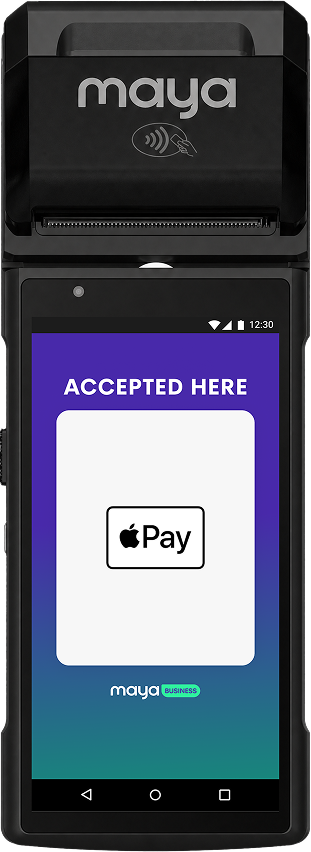
Apple Pay is now accepted
on Maya Terminal
Offer a fast, simple, and secure
checkout experience with Apple
Pay
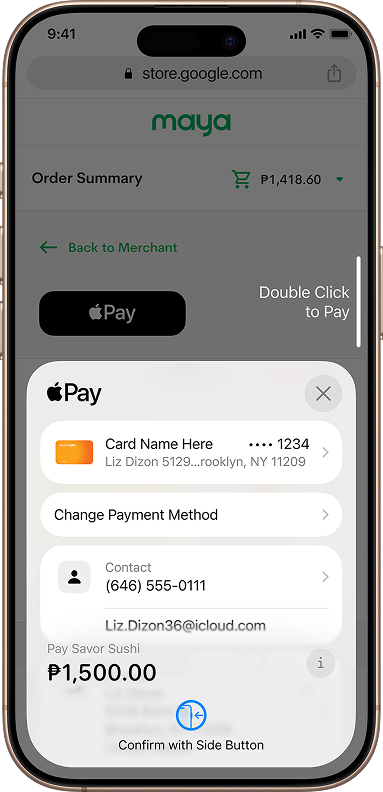
Boost online sales
with Apple Pay
on Maya Checkout
Increase your online conversion rate
with Apple Pay
Increase
conversion rates
Terminals and websites enabled with Apple Pay see higher conversion rates.

Faster checkout
Shoppers can complete purchases with a single tap.

Improve Privacy and Security
Every transaction requires authentication with Face ID, Touch ID, or passcode.
How to Accept Apple Pay on Terminal and Checkout



Apple Pay will be enabled as an available payment method on your Maya Terminal and Maya Checkout. For terminals, Apple Pay users can pay using their iPhone or Apple Watch near the payment terminal. Customers can also use Apple Pay on iPhone, iPad, or Mac for a faster, more convenient checkout experience in apps and on the web.
No. Apple doesn't charge any additional fees.
Check the Apple Pay webpage or contact Maya Business merchant support.
Create campaigns to drive awareness and usage of Apple Pay with this marketing guide. It includes best practices and a link to download the Apple Pay mark.
No matching questions. Try a different search.
Need more answers?
Go to Help and Support