




Send Money from Maya to Dungganon Bank (A Microfinance Rural Bank), Inc.

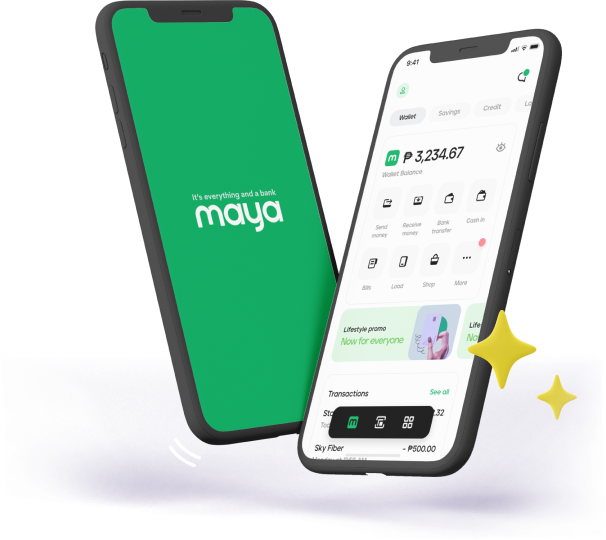
Having trouble transferring cash to different local banks? Maya eases the trouble off sending cash to people who have accounts with small banks such as Dungganon Bank (A Microfinance Rural Bank), Inc. You can use the Maya app to send cash securely and almost in an instant, no matter where the recipient is in the Philippines. Download the Maya app to transfer cash to a Dungganon Bank account today.


Send Money - Maya

Safely Send Money to a Dungganon Bank Account through Maya

Filipinos all over the country rely on rural banks such as Dungganon Bank to provide critical microfinancing services in places where banking penetration is low. Maya’s Bank Transfer feature is fully integrated with Dungganon Bank and here are some of the reasons why Maya is the ideal solution for sending cash to Dungganon Bank accounts:

Icon 1
Clean & Elegant
Fully Responsive

Fast Transactions. Cash sent through Maya is credited real time and can be used immediately.

Vast Network of Bank Partnerships. Maya is partners with over 40 banks—and this network continuously grows;

Icon 2-1
Clean & Elegant
Fully Responsive

Secure. Transfers are kept safe through globally recognized security practices.

Icon 3
Clean & Elegant
Fully Responsive

Timesaving. Maya eliminates the need to line up at bank branches—a crucial factor in dealing with smaller banks.

24/7 Service. Maya’s Bank Transfer service is available 24/7—even on weekends and holidays.

Icon 4
Clean & Elegant
Fully Responsive

Efficient. No paperwork necessary.

Large Transaction Limit. You can send up to PHP20,000 per transaction.

How to Send Money from PayMaya to Dungganon Bank

  1. Download the Maya app on your mobile device and create a Maya account.
  2. Log in to your Maya account.
  3. Ensure you have enough cash in your Maya wallet for the transfer
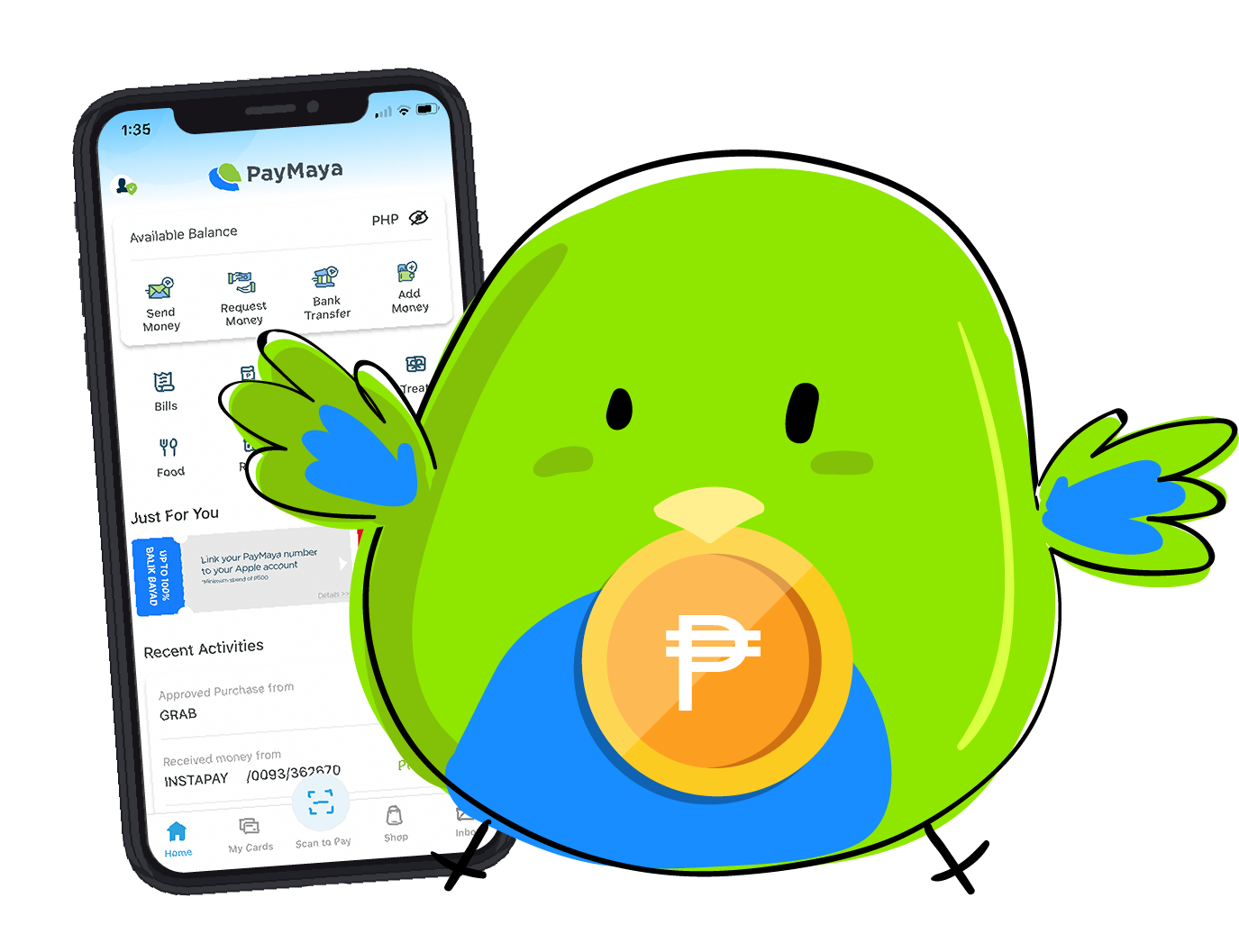
  4. Go to the homepage and select “Bank Transfer”
  5. Find and tap “Dungganon Bank (A Microfinance Rural Bank), Inc.” from the list of participating banks
  6. Enter the amount to be transferred
  7. Enter the recipient’s Dungganon Bank account details
  8. Double check to ensure that recipient account details and transaction amount are correct
  9. Tap “Send”
  10. Wait for a text notification from Maya confirming the transaction

Enjoy Hassle-free Money Transfers to Dungganon Bank Accounts with the Maya App

Rural banks are an essential part of the Philippine economy, serving millions of Filipinos nationwide. Sending cash to accounts in these banks through walk-ins can be a hassle given the limited number of branches many of these banks have. Thanks to Maya, this is no longer a problem.

With the Maya app, you can send cash to any Dungganon Bank account from anywhere you are, anytime you need to. Whether you’re interested in adding cash to your account or need to send someone cash right this minute, Maya saves you time and takes the hassle out of secure money transfers. Download the app today!


About Dungganon Bank (A Microfinance Rural Bank), Inc.

dungganon bank


Dungganon Bank (A Microfinance Rural Bank), Inc. is the first microfinance thrift bank of its kind in the Visayas. It is based in Bacolod, Negros Occidental, with branches all over the country. Dungganon Bank’s mission to “provide sustainable financial and client-responsible developmental services to the poor” has placed its branches mostly in underserved cities and municipalities throughout the Visayas. Today, Dungganon Bank is known as a success story in microfinancing and an enabler in empowering small business entrepreneurs, most especially stay at home moms.

Quick Guide
Quick Guide
 
Find out everything you need to know about your Maya account 
Add money via Card
Add Money
 
Your Guide for Add Money Channels & Locations.
Pay Bills

Bills Payment
 
Skip the lines and pay your bills with Maya
Load
Buy Mobile Prepaid Load
 
Buy discounted prepaid load for all telco providers

No Maya yet? Click the button below to download the free app!

Download PayMaya on Google Play
Download PayMaya on App Store
New call-to-action