Share


With consumers’ growing reliance on cashless payments and digital platforms in the Philippines, Maya has become one of the go-to apps for managing one’s personal finances. As both a digital bank that has acquired license from the BSP (Bangko Sentral ng Pilipinas) and an e-wallet provider, it offers Filipinos a convenient way to save, pay, and transfer funds anytime and anywhere. Yet despite the wide adoption of the Maya app, many people still ask, “Is Maya legit and safe? ”
The answer is yes—Maya is one of only six BSP digital bank license holders in the country, in the country, which means it operates under strict regulatory oversight. But no matter how secure the platform itself may be, users still play a big role in protecting their accounts from potential risks.
This article will walk you through the common mistakes you should avoid if you want to keep your Maya account safe and ensure a smooth, worry-free digital banking experience.
1. Disabling Face or Fingerprint ID
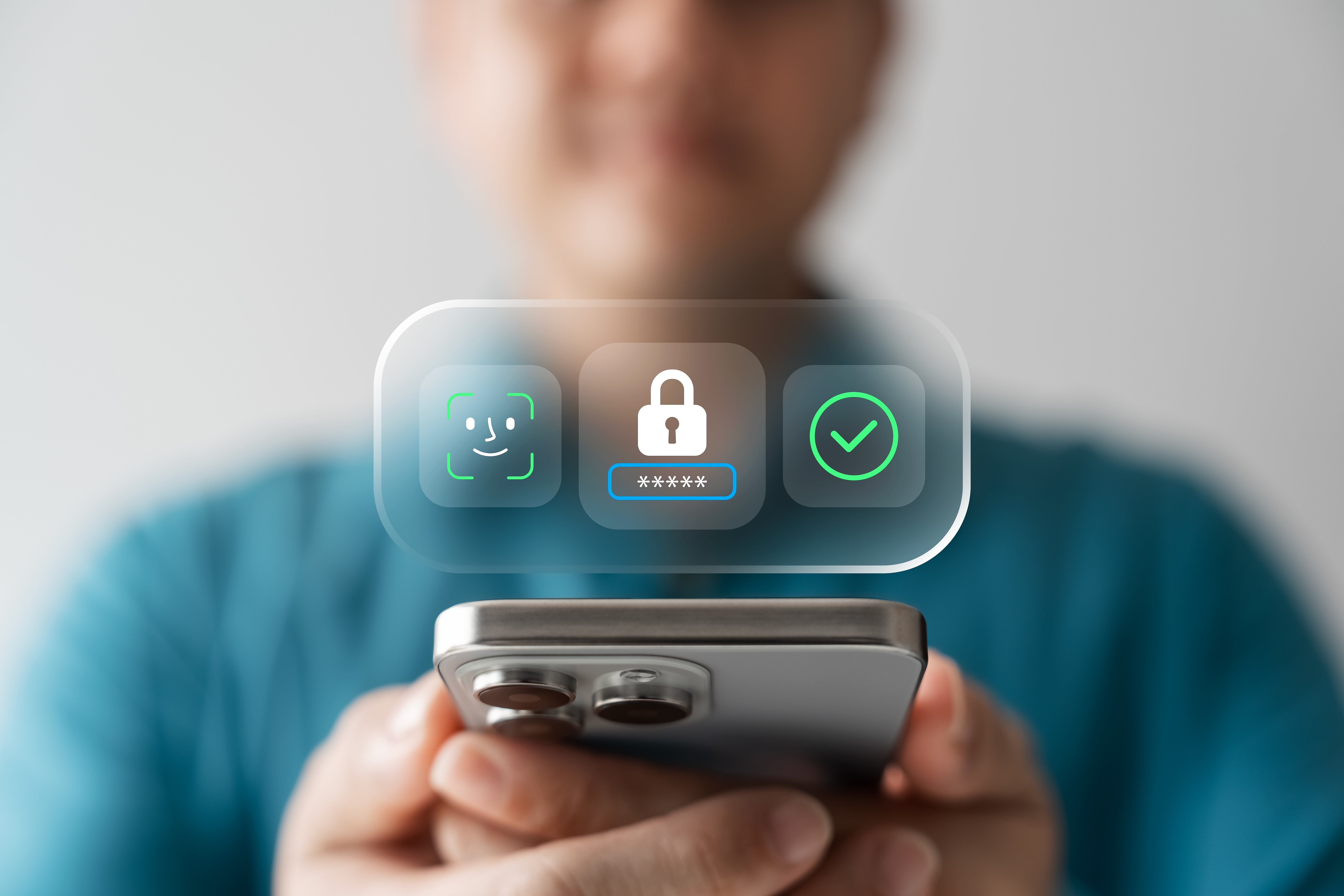
One of the easiest ways to strengthen your account’s security is by enabling biometric authentication, such as fingerprint or face ID. These essential features are built into the Maya app, providing quick and convenient protection and making it much harder for unauthorized parties to access your account. In other banking or e-wallet apps, however, there might be an option to disable such features. Disabling this option means relying solely on your PIN or password, which could be stolen, guessed, or accidentally shared.
2. Sharing Your One-Time Password with Anyone
Your one-time password, or OTP, is one of the most important safeguards against fraud. It acts as a second layer of verification whenever you perform sensitive transactions. Part of Maya's security measures is to inform users that none of our employees will ever ask for their OTP. Yet, many scams in the Philippines rely on tricking users into giving this code away. Fraudsters often disguise themselves as customer support representatives, send fake promo offers, or create websites that look identical to the real Maya platform to lure people into entering their details.
Unfortunately, the moment you share your OTP, you give scammers direct access to your account. To stay safe, remember that your OTP is for your eyes only. Also, avoid entering your account details or security codes on unfamiliar links, and always check that messages claiming to be from Maya are legitimate before taking action.
3. Not Checking Your Transactions Regularly
It is easy to assume that everything is fine as long as you don’t notice any big changes in your account balance. However, cybercriminals often start with small, unnoticed deductions before making larger withdrawals. If you are not in the habit of checking your transactions regularly, you might miss these early warning signs.
Reviewing your transaction history frequently helps catch suspicious activities before they escalate. That said, set aside a few minutes each week to review your account to build good financial habits and keep you in control of your digital banking security.
4. Not Maximizing the Security Features of the App
Maya is equipped with state-of-the-art anti-fraud technology designed to detect and prevent suspicious activities. Beyond that, the platform meets global standards of financial security. It is PCI-DSS (Payment Card Industry Data Security Standard) compliant and is the first bank in the Philippines to achieve ISO27001 and ISO27701 certifications. These recognitions prove Maya’s commitment to protecting its users through world-class information security and privacy practices, as well as answering a resounding yes to anyone questioning, “Is Maya safe?”
Still, even with these protections in place, users need to maximize the app’s built-in security tools. Within Maya, you can set account limits and spending controls to better manage how your money is used.
5. Ignoring Suspicious Activities and Not Reporting Them Immediately
Unusual activity in your account, such as unexpected deductions or login attempts from unknown devices, should never be brushed aside. Ignoring these red flags increases your risk of losing money or having your personal data compromised.
Instead of waiting for the problem to escalate, report any suspicious activity to Maya’s customer support immediately. Acting quickly allows the support team to help secure your account and minimize potential damage. It also helps to know that your deposits with Maya are insured by the Philippine Deposit Insurance Corporation (PDIC) for up to PHP 1 million per depositor. This serves as an additional layer of protection for your hard-earned money, but your best defense is still vigilance and prompt reporting.
6. Accessing Your Maya App through Public Wi-Fi
Public Wi-Fi networks may be convenient, but they are also highly vulnerable to hacking. Because they are not secured, cybercriminals can intercept your data while you are logged in, putting your sensitive financial information at risk. If you often use public Wi-Fi in cafes, airports, or malls to access your Maya account, you may be unknowingly exposing yourself to these dangers.
To stay safe, avoid using public networks when handling financial transactions. Instead, use your mobile data or connect only to trusted private networks.
7. Neglecting to Update Your Phone and Apps
Another common mistake is overlooking software updates. Both your smartphone and the Maya app receive regular updates that fix bugs and patch known security vulnerabilities. If you delay or ignore these updates, your device becomes more susceptible to hacking attempts that take advantage of these flaws.
Keeping your phone and apps updated ensures that you are always using the most secure version available. Updates often come with improved features as well, which can enhance your security and overall user experience.
As technology continues to make digital banking more convenient, the responsibility to protect your account grows alongside it. Ultimately, keeping your Maya account safe comes down to staying proactive and mindful of your actions. So, take advantage of Maya’s security tools and repose confidence in the fact that it is a BSP-supervised financial institution, but also continue to remain vigilant against suspicious behavior. With these practices, you’ll safeguard your money and enjoy the benefits of secure digital banking in the Philippines.
It’s everything and a bank. What more could you need?
For existing PayMaya users, update your app to Maya