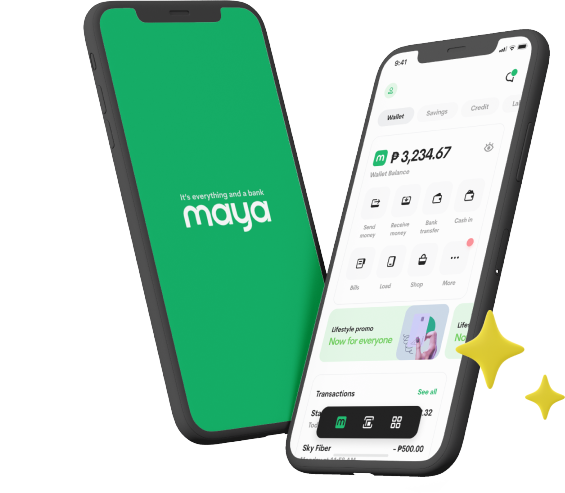
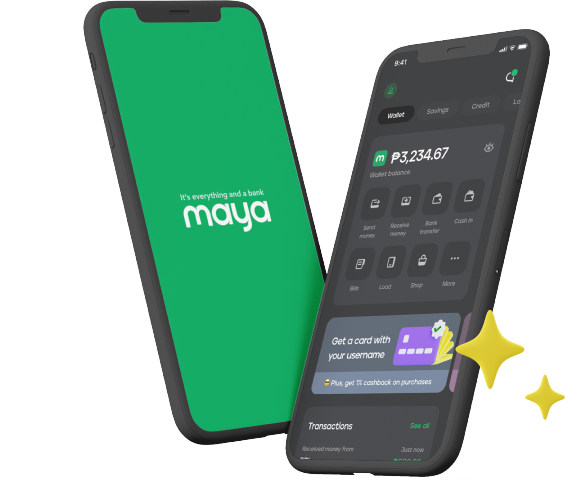
For anyone looking to get more from their savings, digital bank Maya offers financial tools that make every deposit feel more rewarding. Our savings products are designed to help you build your funds more effectively so that you can get more value from the money you save. Maya Savings, for instance, lets you start with a base interest rate of 3% p.a., which is already higher than what many traditional savings accounts offer. Even better, you also get to boost this interest rate up to 15% p.a.* if you actively use Maya services for everyday transactions. Regularly completing activities like buying mobile load, paying bills, paying with QR Ph, using Maya Easy Credit, using your Maya Card, or paying online with Maya can help you unlock higher interest rates and grow your savings faster.
Fortunately, the process of opening this well-regarded Philippine bank account from Maya isn’t as time-consuming as opening an account at a physical bank branch because you can complete your application through the Maya app. This makes Maya one of the best banks to open an account for those who want a faster and more convenient way to start saving. To ensure everything goes as expected, here’s a step-by-step guide.
Step 1: Download the App
The first step to opening a Maya bank account is downloading the Maya app. The app is available on both the Apple App Store and the Google Play Store, making it easy to install on your mobile device. Simply search for “Maya” on your app store and tap download. As long as you’re connected to a stable internet connection, the setup typically takes just a few seconds to complete.
Step 2: Register for a Maya Account
Once the app is downloaded, launch it on your mobile device. A welcome screen will appear, and you’ll be prompted to create an account. Tap the green “Start an Account” button and do the following:
- Enter the necessary personal information (e.g., full name, mobile number, and email address)
- Agree to the terms and conditions
- Verify your registered number using the code sent via SMS
- Tap “Proceed”
- Input an invite code for additional rewards (optional)
When filling out the form, make sure that all information is correct and matches your official documents. This can help prevent unnecessary issues later in the account setup process.
Step 3: Verify Your Identity and Upgrade Your Account
After creating your Maya account, the next important step is verifying your identity. Even though you’ve already provided your personal information during registration, Maya requires identity verification to comply with financial regulations, help protect your account, and unlock the app's full features. An upgraded account gives you access to our high-interest savings accounts and lending products. It also increases your account’s monthly transaction limit from PHP 50,000 to PHP 100,000.
When you’re ready to verify your identity, follow these steps:
- Ensure you have a valid government-issued ID on hand
- Log in to your Maya account
- Tap your profile, then select “Upgrade Account”
- Fill out the required information and ensure your details match the information in your valid ID
- Take a clear photo of your ID and upload it through the app
- Take a selfie to verify your identity
Take note that approval times may vary. Some applications may be approved within minutes, while others may take several hours. Once you receive a notification that your account has been upgraded, you can start maximizing the Maya app’s features.
Step 4: Open a Maya Savings Account
With your upgraded Maya account, you can finally open a Maya Savings account—a bank account Philippines’ consumers have come to trust to start growing their money. The process is straightforward, as you won’t have to open a separate app or even make a minimum deposit. After logging in to your Maya account, simply do the following:
- Tap on “Savings”
- Tap “Start Maya Savings” on the inner page
- Follow the quick on-screen instructions
For added convenience, make sure that your Maya Wallet has funds. This way, you can transfer money from your wallet to your savings account once the setup is completed.
Step 5: Explore Maya’s Other Savings Products
Apart from Maya Savings, your upgraded Maya account also gives you access to other Maya savings products that offer different earning structures. Maya Personal Goals, for instance, is a goals-based savings account that lets you manage up to 5 accounts at the same time. Each account earns up to 8% p.a. on balances of up to PHP 100,000, with tiered interest rates that start at 4% p.a. for the first PHP 20,000. The rates also gradually increase up to 8% p.a. for amounts above PHP 80,000. To open a Maya Personal Goals account, follow these instructions:
- Log in to your Maya account
- Tap on “Savings”
- Tap on “More Ways to Save”
- Tap on “Personal Goal”
- Set up your goal
- Add funds to the account from your wallet
Maya Time Deposit Plus is another savings option that lets you manage up to 5 accounts. All accounts start with a guaranteed 3% p.a. interest rate that you can boost up to 6% p.a. when you reach your target amount and date. You also gain predictable returns of 5% p.a., 6% p.a., or 5.5% p.a. for the 3-, 6-, or 12-month term, respectively. Follow these instructions if you want to open a Maya Time Deposit Plus account.
- Log in to your Maya account
- Tap on “Savings”
- Tap on “More Ways to Save”
- Select your preferred term
- Set up your time deposit
- Add funds to the account from your wallet
Exploring these options can help you choose the savings product that best fits how you want to manage your money.
Start Saving More Efficiently with a Maya Bank Account
A Maya bank account gives you a clear path from digital account setup to active savings use. Once you know how to open a bank account through the app, getting started becomes easier and more practical. With this quick guide, you can open bank account access with Maya and begin using its savings features sooner.
*Bonus interest applies to deposit balances of up to PHP 100,000.