If your salary seems to vanish before the month ends, the cause isn’t always major purchases. More often, it’s the quiet charges: forgotten subscriptions, outdated service plans, late fees, and billing errors that drain your budget without warning. These small leaks build up, and over time, they can take a serious toll.
Reviewing your monthly bills helps you catch these costs early. It’s one of the most effective ways to stay on top of your bills and take charge of where your money goes.
Maya supports this kind of financial clarity. With tools that help you track expenses and keep your accounts secure, it’s easier to stay organized and make informed decisions, especially when reviewing your bills becomes part of your routine.
Before another billing cycle slips by, here’s a closer look at how a regular bills review can uncover hidden costs and lead to real, lasting savings.
Spotting Hidden Costs in Your Monthly Bills
Hidden charges rarely announce themselves. They slip in through auto-renewals or bundled services that no longer match your needs. A PHP 299 monthly subscription might seem minor, but when stacked with similar charges, like cloud storage plans or mobile add-ons, it can silently balloon in over PHP 3,500 over the course of a year. Even billing errors left unchecked can eat into your budget and waste your hard-earned money.
That’s why a monthly bills review isn’t only about spotting errors but also about reclaiming control. By scanning your recurring payments, you can identify which services you actually use and which ones overlap. It’s a chance to refine your budget with real data instead of just relying on estimates.
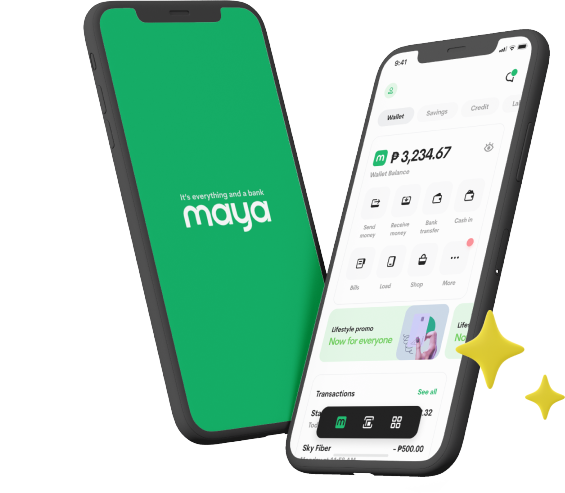
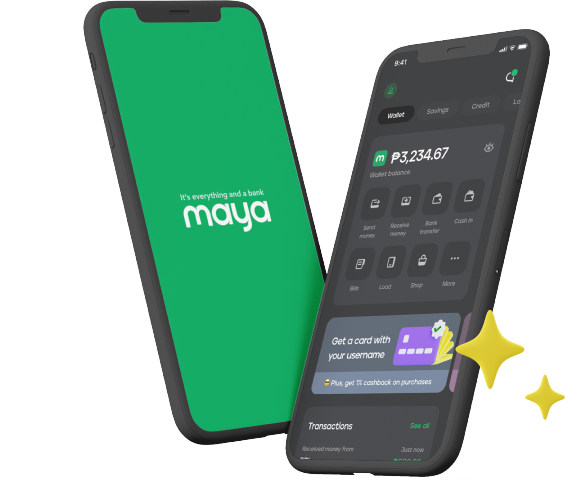
Digital tools make this process easier. With Maya’s online bills payment feature, for instance, you get a consolidated view of your monthly charges, making it easier to flag irregularities at a glance. You can check your transaction history directly via the Maya app, so whether it’s a subscription you forgot to cancel or a fee that shouldn’t be there, you’ll see it in real time and act before it snowballs. Plus, every payment comes with an SMS confirmation, a simple yet powerful way to stay informed and in control.
This kind of visibility turns a passive expense into an active decision. And when reviewing bills becomes part of your routine, your budget starts working for you, not the other way around.
How Reviewing Bills Can Lead to Real Savings
You might not realize it, but a small change in your monthly bill can reveal a bigger opportunity. Maybe your internet fee jumped because a promo expired, or perhaps you’ve been charged twice for the same insurance plan. These aren’t rare mistakes; they’re common oversights that cost more than they should. A regular bills review helps you catch them early and redirect that money toward something more valuable.
Even modest savings can make a difference. For example, canceling an expensive monthly postpaid plan and switching to a PHP 299 unlimited data prepaid mobile plan could free up hundreds, or even thousands, in the long run. That money doesn’t have to sit idle. It can go toward building an emergency fund or growing your savings in a way that supports your long-term goals.
Maya Savings makes that shift seamless. Because it’s part of the same platform where you pay bills online, you can move whatever funds you’ve saved directly into a secure, interest-earning account. A regular savings account on Maya earns 3%* interest per annum, which is already much higher than what traditional banks offer. And through everyday transactions like paying bills with your Maya Wallet or credit card, topping up mobile load, shopping online, or scanning to pay via QR Ph, you can boost that interest rate up to 15% p.a.** Small wins, multiplied, become meaningful progress.
And because Maya is the country’s #1 digital bank and a Bangko Sentral ng Pilipinas (BSP)-supervised financial institution, you’re saving with the confidence that your money is protected. That small habit of reviewing your expenses regularly can help you reclaim what’s yours and put it to work.
Digital Tools That Help You Stay on Top of Your Bills
Managing bills across multiple platforms can get overwhelming fast. Between shifting due dates and unexpected charges, it’s easy to lose track. That’s where digital tools come in. Automated reminders and real-time dashboards give you visibility across your obligations, while auto-debit features reduce the risk of missed payments. Beyond streamlining your routine, these tools help you stay financially steady.
Maya Wallet brings these capabilities into one secure space. It’s more than just an e-wallet; it’s a gateway to a full financial ecosystem. You can buy mobile load, settle bills, track everyday purchases, monitor your spending habits, and manage your cash flow without switching between apps. While the Wallet handles your day-to-day payments, Maya’s savings and time deposit products operate alongside it, backed by robust security protocols and designed for long-term growth. That separation is what makes it possible for Maya to offer the safety of a bank and the convenience of a wallet, so you always know where your money goes and how it grows.
There’s also a practical upside to using Maya for paying bills. From time to time, you’ll find promos that offer cashback or rewards, turning a routine expense into a chance to stretch your budget. Whether you're settling bills, shopping, tracking everyday purchases, or taking advantage of a bills payment promo, Maya Wallet puts you in charge of your finances.
A monthly bills review might seem minor, but over time, it can unlock real savings and reshape your financial habits. With tools that simplify payments, protect your goals, and reward your routine, Maya makes this transition easier. Ready to turn everyday expenses into smarter choices? Download the Maya app today and start managing your money with clarity and confidence, all in one secure ecosystem.
*Base interest rate applies to total deposit balance.
**Bonus interest applies to deposit balance of up to ₱100,000.